2019-10-03 00:00:00KYS
春來活海鮮【富基漁港】代客料理
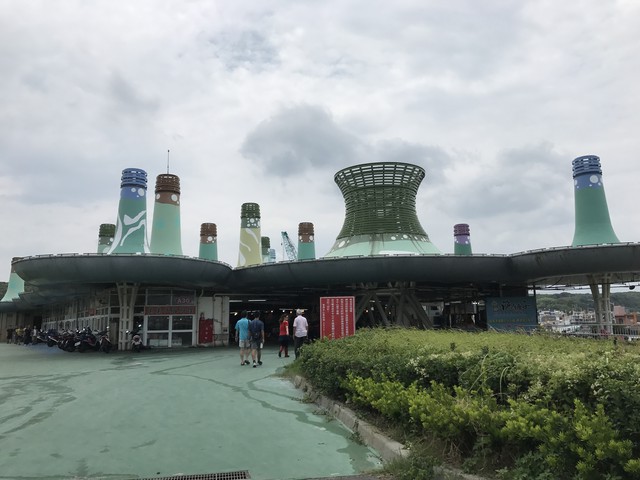
2019.08.12
逛完了【富貴角燈塔】 我們直接去【富基漁港】吃午餐
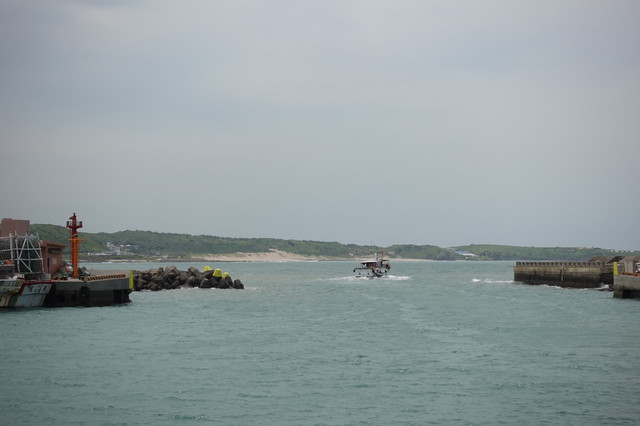
這裡的海鮮 可以現選現煮
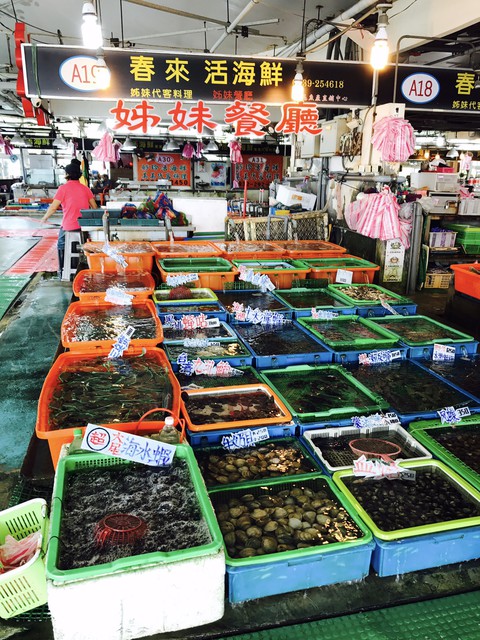
超多的海產供顧客挑選
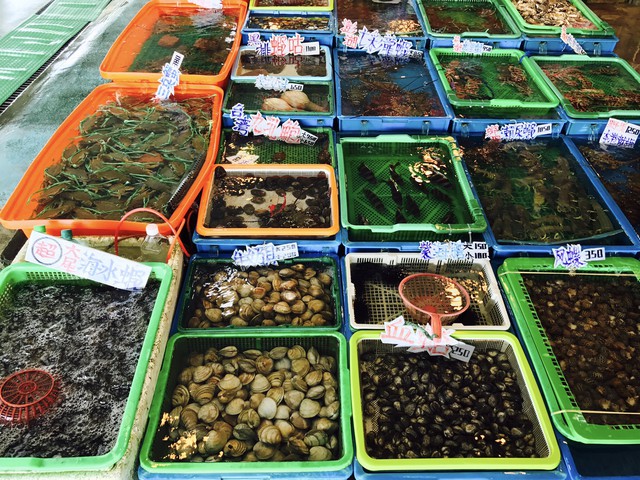
老闆拿河豚給哥哥玩耍
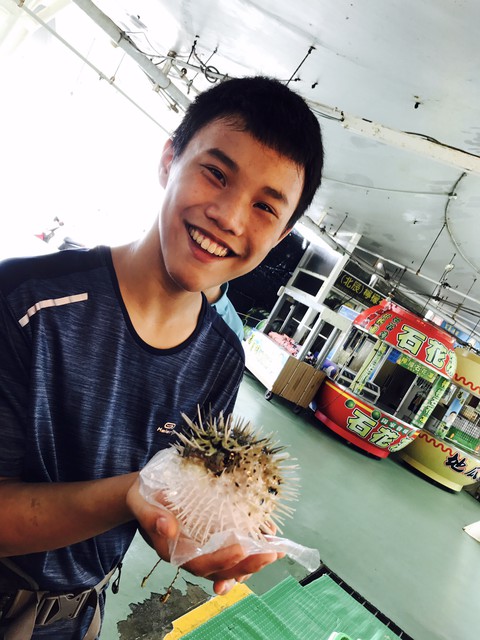
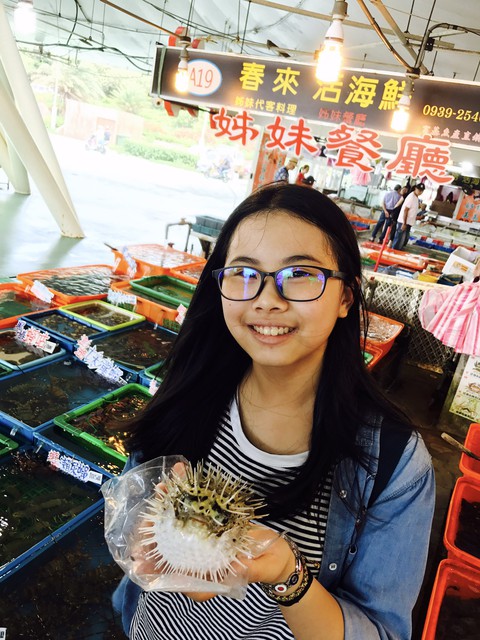
妹妹也要跟河豚拍照 又愛又怕的妹妹
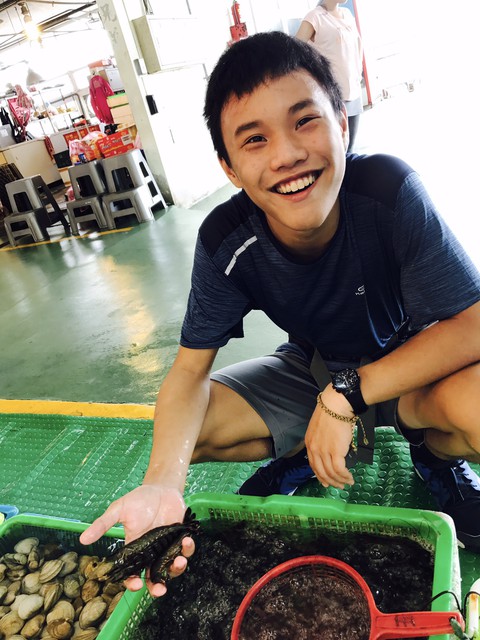
玩蝦子的哥哥 這麼開心
挑了一尾石斑
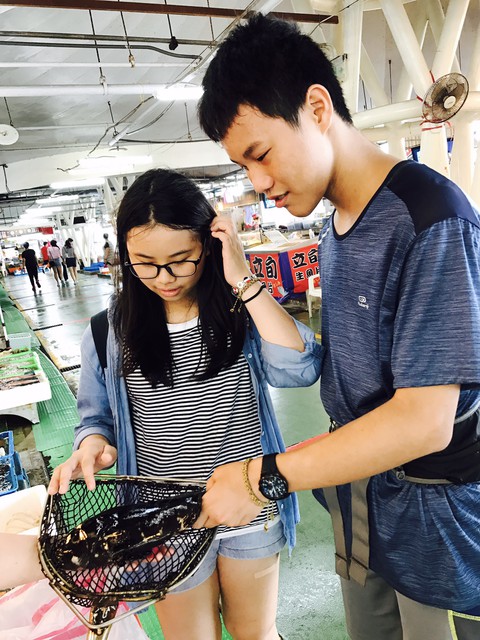
抓螃蟹玩玩
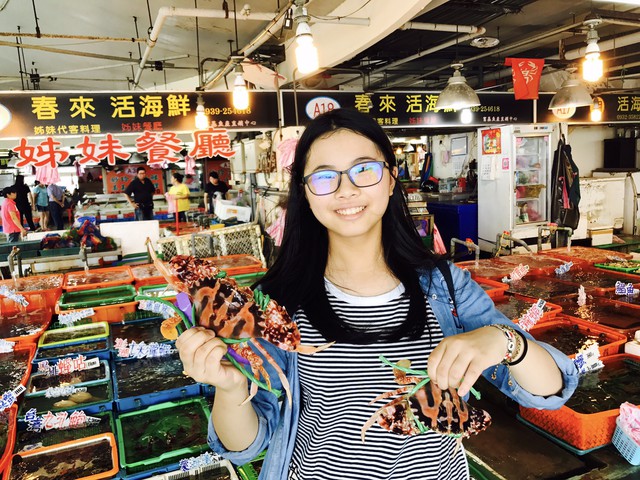
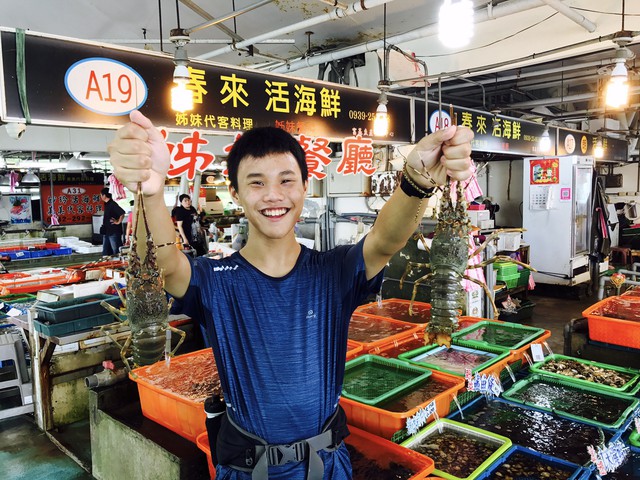
哥哥抓龍蝦 這一尾 很貴!就...不吃了
我們選了這些海鮮 孩子們都吃得很開心
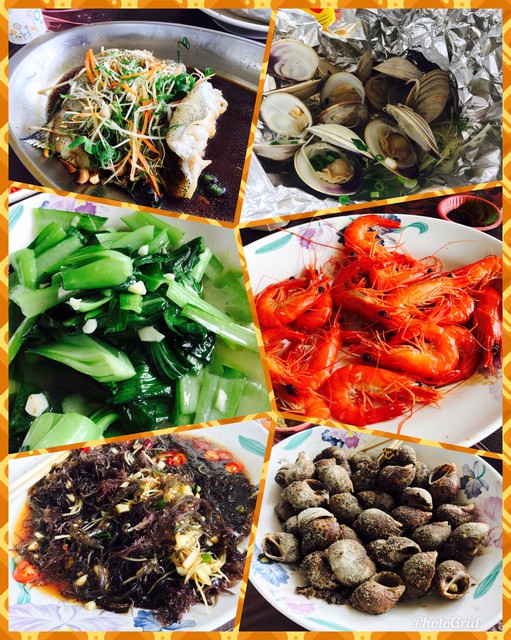
我們人少 能選的真的不多 海鮮都非常新鮮 我們吃得很飽 超級撐呢!!
【旅遊行程】
DAY1
【緣道觀音廟】-->【淡水老街】-->【億承文旅--淡水吹風】
DAY2
【富貴角】最北的燈塔-->【富基漁港】代客料理海鮮-->【野柳地質公園】-->【基隆廟口夜市】-->【集好旅店】
DAY3
【正濱漁港】-->【和平島】一般民眾知參觀路線-->【和平島】岩石管制區-->【希臘海景餐廳】-->【福容飯店】福隆館-->【福容飯店】海邊戲水
DAY4
【三貂角】最東的燈塔-->回家
下一篇:再訪【野柳地質公園】女王頭岩石
(悄悄話)
2019-10-04 11:09:23
(悄悄話)
2019-10-04 01:56:16
(悄悄話)
2019-10-03 14:40:42